Your own address
An address with your name on it.
Choose your nokhta address once. It’s the link on your card, behind your QR code and in your bio.
Arabic-first · Free
One page for your contact details, links and work, and a card that opens it with a tap. Ready in a minute, in Arabic and English.
How it works
Create an account, make the page yours, then share it wherever you meet people.
Your name, an email and a password. No credit card, no long forms.
Pick a theme and a colour, add your links, and watch every change as you make it.
Tap your card, show your QR code or send your link. One tap saves you to their contacts.
Live demo
Type your details, choose a colour and a theme. Your card and your page change the moment you do.
Name, job title and company, in Arabic or English, and a photo if you like.
Stays on your device
Eight accents, each chosen so white text stays easy to read.
Classic, Minimal or Glass. Your page follows instantly.
Your page is live the moment you save.
It comes with its own link and QR code.
Your name, colour and theme come with you.
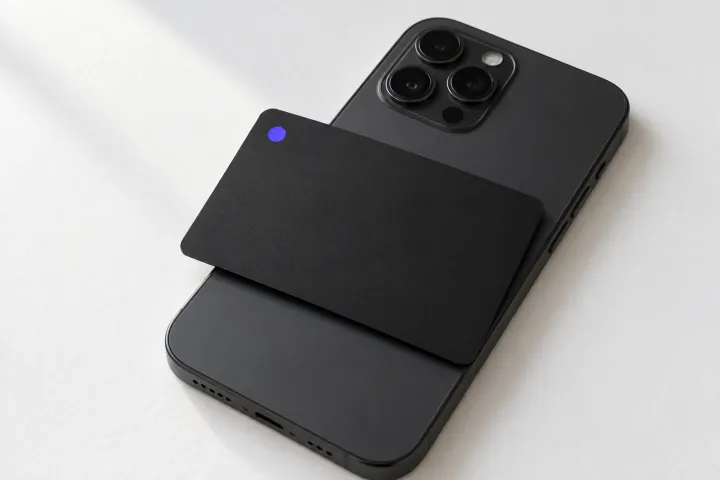
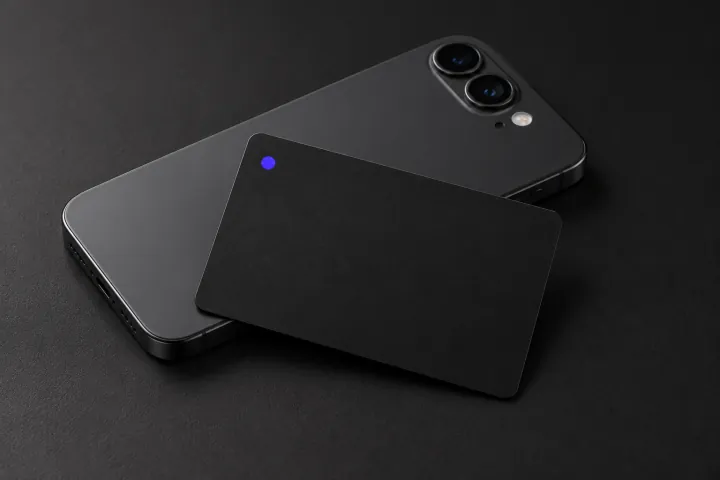
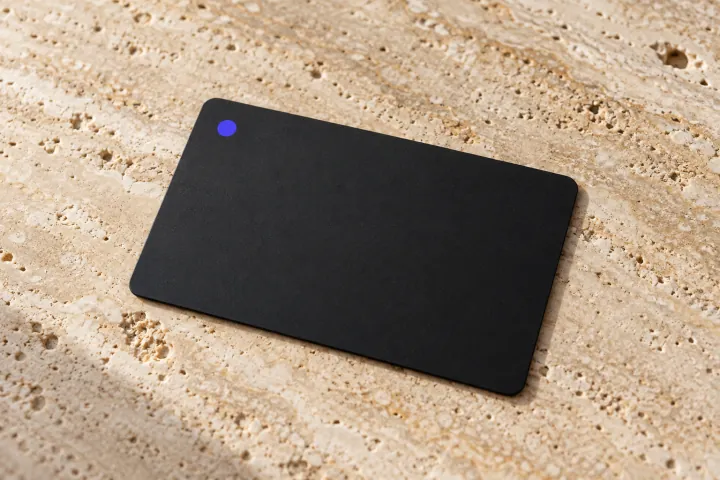
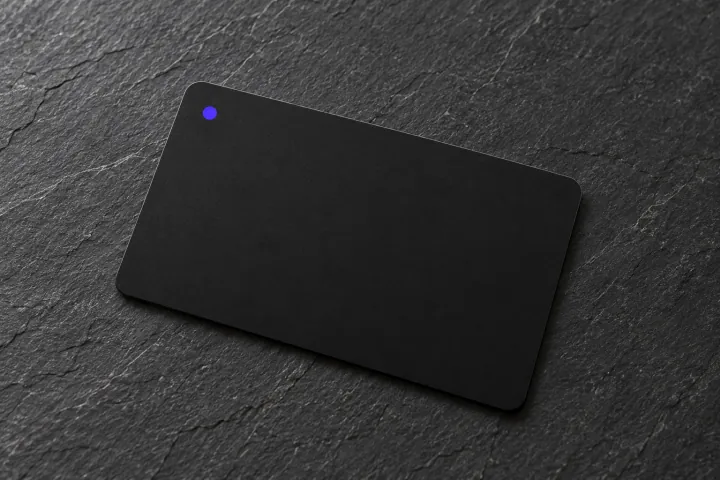
nokhta cards
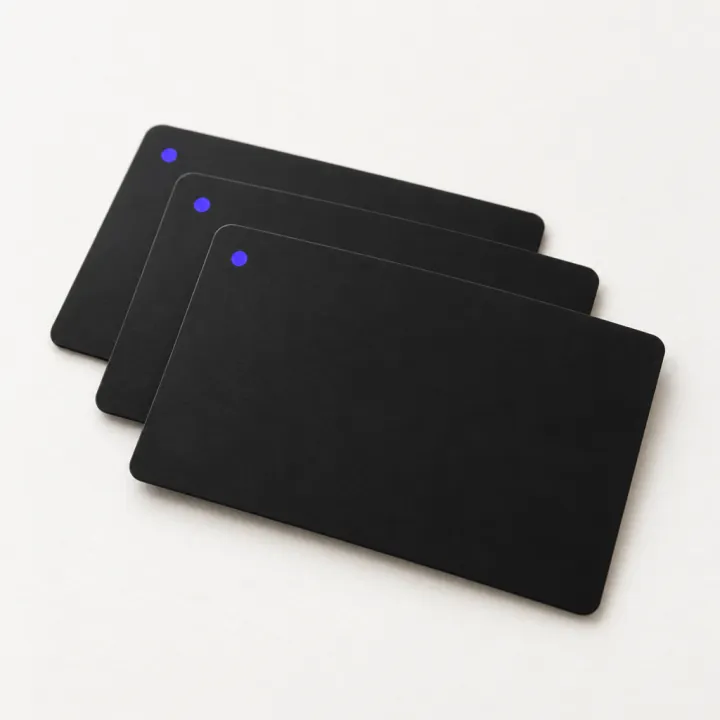
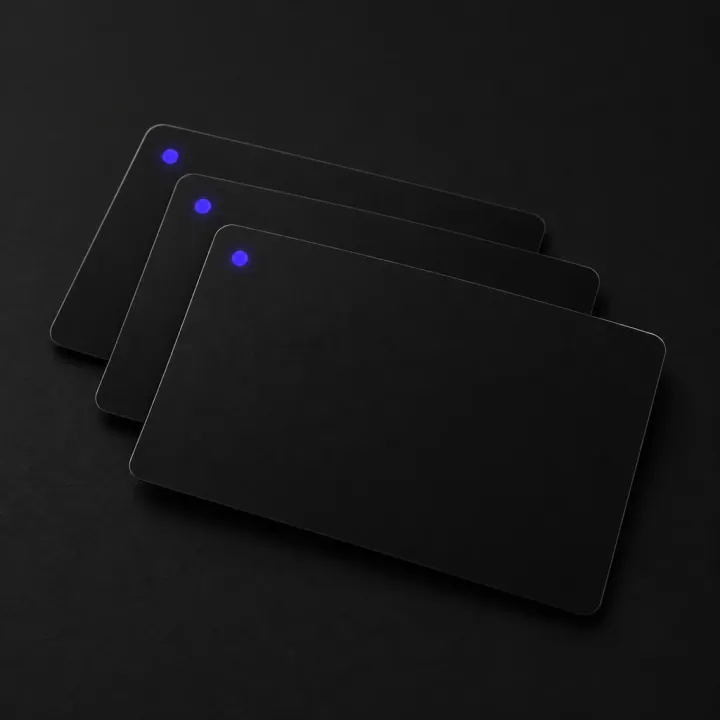
A nokhta card opens your page on the phone in front of you. No app, no typing, no paper to lose.
Hold the card near an iPhone or Android phone and your page opens.
Phones without NFC scan the card’s QR code with the camera instead.
Point it at your work page today and your personal page tomorrow.
Change your number or title and every card opens the new details. Nothing to reprint.
Already have a card? Activate it from your account
Save to contacts
Visitors tap Save to contacts on your page, and your details land in their address book, ready to call.
Works on iPhone and Android, no app needed.
Why nokhta
Your own address
Choose your nokhta address once. It’s the link on your card, behind your QR code and in your bio.
Links, files and banners
Add a PDF of your menu or portfolio, a banner for your latest work, and every account you use.
Desktop-ready
On a computer, your page opens with a contact panel to copy from and a QR code to scan with a phone.
Public or private
Turn off Public page while you work on it. Anyone who opens it, from a link or a card, sees that it’s private.
Multiple profiles
One for work, one for your side project, one just for you. Each with its own link, theme, insights and card.
Arabic & English
One page in two languages, each one reading the way it should.
One type family for Arabic and Latin, drawn to sit side by side.
Arabic pages mirror properly, while numbers and links stay easy to read.
The Arabic name leads on the Arabic page, the Latin one on the English page.
Insights
Visits, link clicks and countries for each of your pages, updated as they happen.
Visits and unique visitors, with bots left out.
Which links people open, and how often.
Where your visitors are, at a glance.
Insights
All profiles
Last 30 days
For teams
Matching cards printed for everyone, and each person keeps their own page. Tell us about your team, and we’ll set it up with you.
Create an account with your name and email, add your contact details and links, then pick a theme and a colour. Your page is live as soon as you save.
Yes. Your page, your QR code and your card open in any browser on iPhone and Android. Nobody needs an app to see your page.
With NFC, someone holds their phone near your card and your page opens. With QR, they point the camera at the code. A nokhta card works with both, and your QR code also works on a screen or in print.
Write to us from the Get a card page, and we’ll reply with the price and the details. Creating your page stays free.
Update it on your page once. Your link, your QR code and every card linked to that page open the new number right away. Nothing to reprint.
Yes. Add your name in both languages. Your page reads right to left in Arabic and left to right in English, and visitors can switch with one tap.
Yes. Keep separate pages for work, a side project or your personal life, each with its own link, theme and insights. A card can point to any of them, and you can change it later.
Yes. Turn off Public page and visitors see a private-page notice instead.
Yes. Creating and sharing your page is free.
Make your page in a minute, and share it with a tap.
Create your page — freeFreeNo credit card